01
Capture and find enquiries
Record prospective-student enquiries and use search and status tracking to review them. Agree your team's follow-up routine instead of leaving admissions knowledge in one person's notebook.
Give tuition-centre and coaching teams one place to review prospective students and maintain enrolment records. Keep the enquiry list and course choices organised so the handover from a first conversation to an enrolled student is easier to follow.
For coaching owners and admissions teams handling prospective students and course enrolments.
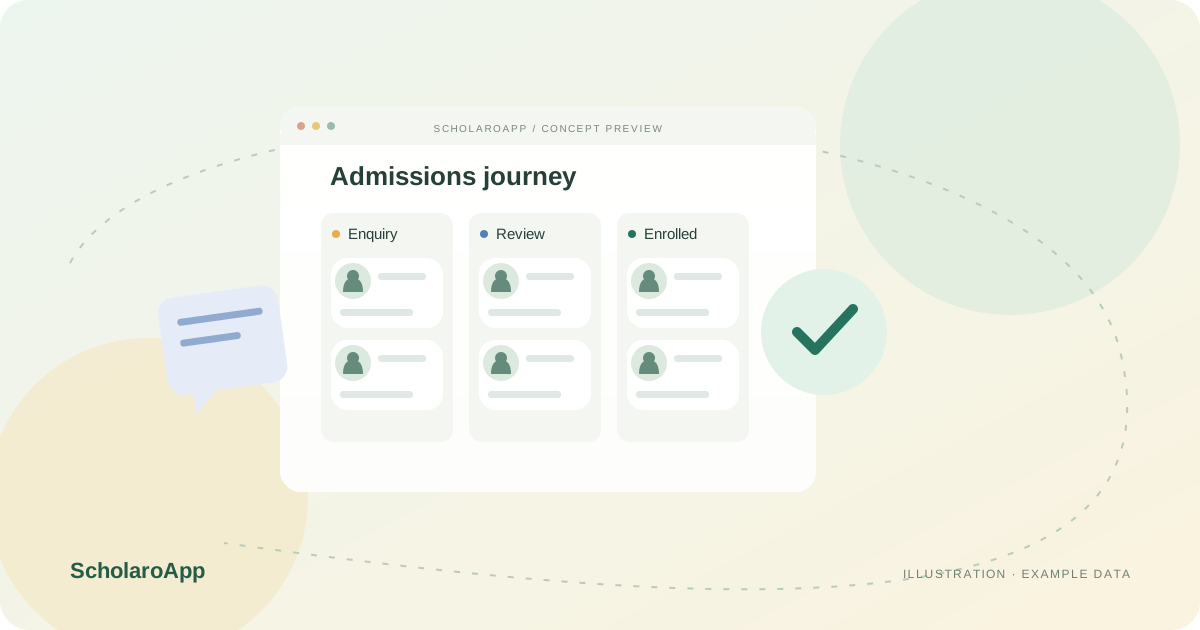
Record prospective-student enquiries and use search and status tracking to review them. Agree your team's follow-up routine instead of leaving admissions knowledge in one person's notebook.
Check student details and the intended course before enrolment. Review bulk student import templates if you are moving existing records from spreadsheets.
Maintain course-based enrolments, then coordinate the batch assignment workflow. Confirm how the admissions team passes information to teachers and the fee office.
This page does not promise automated WhatsApp or SMS follow-ups, ad-platform integrations or a guaranteed increase in admissions. Current screen availability and plan entitlements must be checked in a demo.
Feature availability depends on the product, configured package and current interface. Confirm the screens, setup and permissions your team will use in a guided demo. A feature described here is not a promise that it is bundled into every plan.
Enquiry capture, search and status tracking are supported. Ask to see the current statuses and the workflow your admissions team would use.
Bulk student import with templates is supported. Review required columns and validate your migration process before importing real data.
WhatsApp automation is not part of the workflow described here. Discuss and verify any messaging requirement separately.
Share your institution size and the workflow you want to review. No student or parent records are needed to request a demo.