01
Define and assign fees
Set up fee definitions and student fee assignments. Review concessions such as scholarships or sibling discounts against your school's approved fee policy before generating dues.
Help the school office answer what a student owes, what has been recorded and which receipt belongs to a payment. Connect fee assignment, collections and adjustments so that checking a balance does not depend on searching several registers.
For school accountants, administrators and owners who review fee collections and outstanding balances.
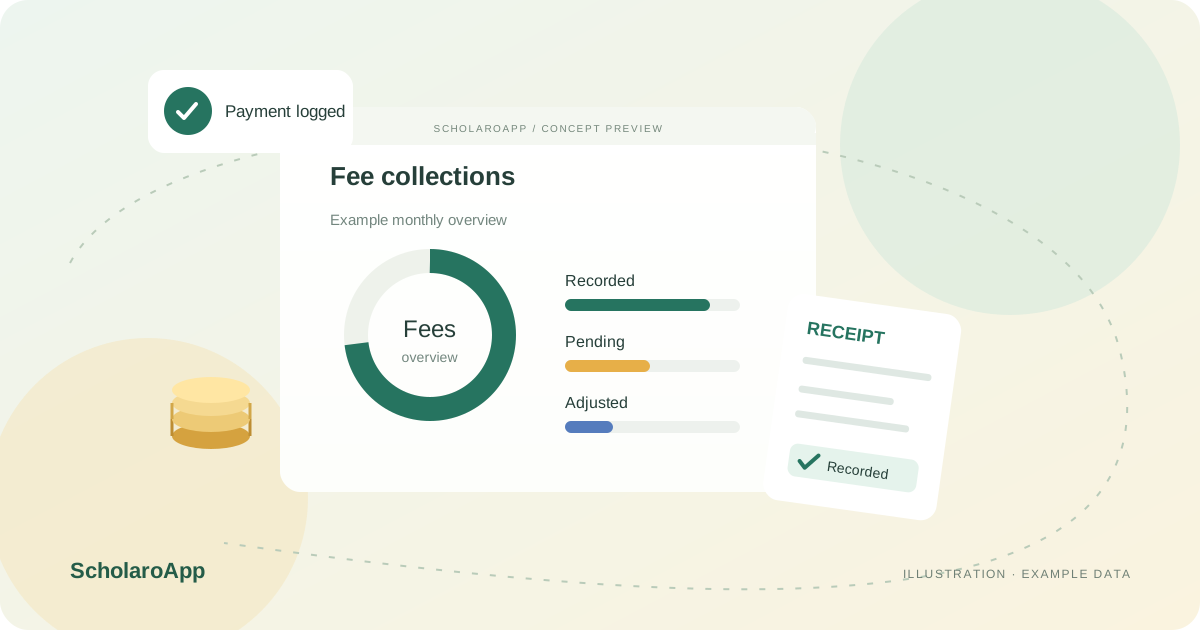
Set up fee definitions and student fee assignments. Review concessions such as scholarships or sibling discounts against your school's approved fee policy before generating dues.
Record individual or bulk payments and download receipts. Keep references consistent with your bank, cash and reconciliation process rather than treating a ledger entry as proof of a settled online transaction.
Use unpaid-fee views, monthly reports and class or fee-type statistics to review collections. Export records and investigate adjustments before following up with families.
Online collection depends on an institution-owned, configured Razorpay account and feature availability. This page does not promise gateway activation, transaction fees, refunds or tax compliance. Confirm these separately.
Feature availability depends on the product, configured package and current interface. Confirm the screens, setup and permissions your team will use in a guided demo. A feature described here is not a promise that it is bundled into every plan.
Individual and bulk payment recording are separate from the online gateway workflow. Ask to see the recording process you intend to use.
Supported adjustment workflows include scholarships, sibling discounts and waivers. Check approval and reporting behaviour against your fee policy during the demo.
Do not assume it is active for every institution or plan. Online student collections require the institution's configured Razorpay account; verify availability and gateway requirements.
Share your institution size and the workflow you want to review. No student or parent records are needed to request a demo.