01
Connect and check storage
Review the institution's Google Drive connection and status. Agree which account owns the files and confirm storage limits before uploading institutional documents.
Keep institutional documents organised around the students, staff and workflows they belong to. Use categorisation and search to reduce the time spent hunting through unrelated folders while reviewing who should have access.
For school administrators and staff responsible for institutional documents and record access.
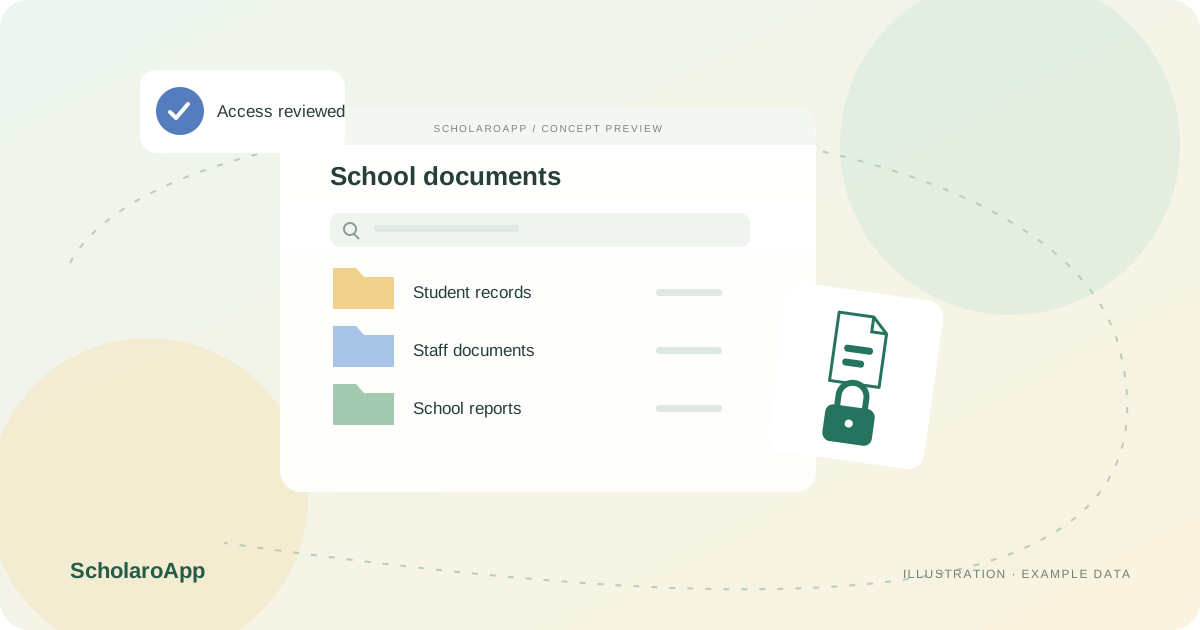
Review the institution's Google Drive connection and status. Agree which account owns the files and confirm storage limits before uploading institutional documents.
Upload and categorise supported documents linked to students, staff or the institution. Use document search and the explorer to locate a record within its intended context.
Check public and restricted document workflows and teacher document-access assignments. Test downloading and viewing a synthetic document from the relevant staff role before importing real records.
A Google Drive connection and suitable access are required for the described storage workflows. Do not assume unlimited space, automatic retention compliance or a Google certification. Confirm your institution's privacy and record-retention requirements separately.
Feature availability depends on the product, configured package and current interface. Confirm the screens, setup and permissions your team will use in a guided demo. A feature described here is not a promise that it is bundled into every plan.
Documents can be linked to students, staff and the institution, with categorisation and search. Check the supported record types during your demo.
No. The described product includes public and restricted workflows. Verify permissions using synthetic documents before importing personal information.
No unlimited-storage promise is made. Check the current package's storage entitlement and the requirements of the connected Google account.
Share your institution size and the workflow you want to review. No student or parent records are needed to request a demo.