01
Create a clearly targeted task
Set the class or section, instructions, due date and task category. Use homework or project workflows and review which students should receive the assignment.
Help teachers keep instructions, due dates, submissions and feedback together. Give each task a clear audience and review student work without relying on a mixture of paper lists, personal inboxes and unrelated file links.
For teachers and academic coordinators managing class and section assignments.
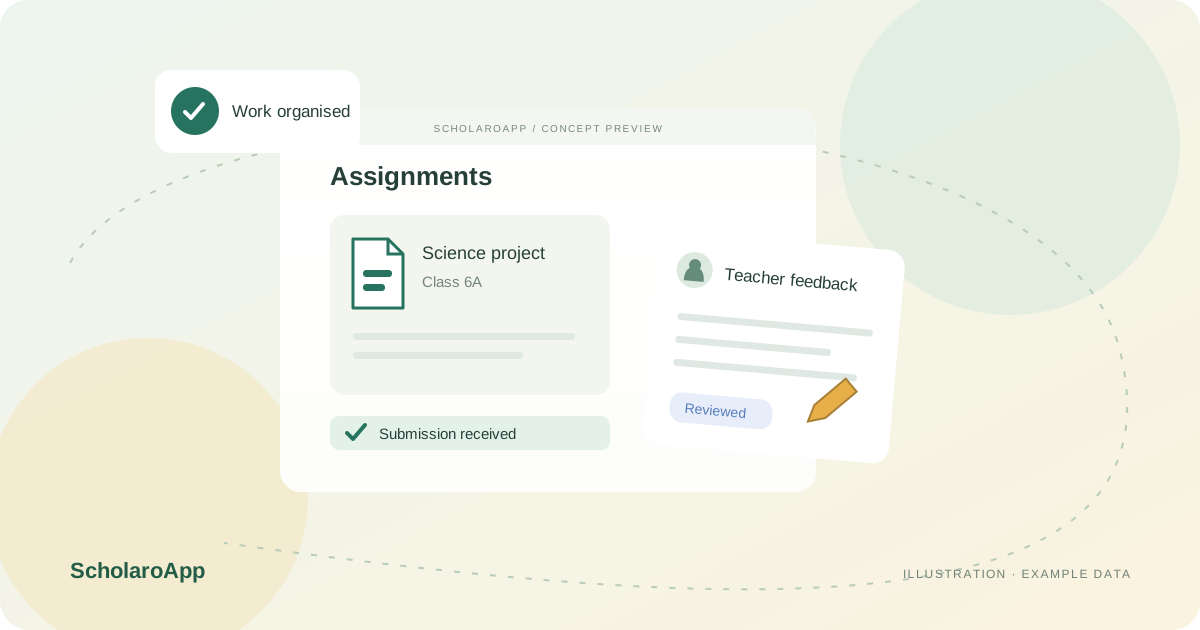
Set the class or section, instructions, due date and task category. Use homework or project workflows and review which students should receive the assignment.
Follow the student submission workflow and supported attachment types. Assignment files are stored privately in the institution's connected Google Drive, subject to the connection and storage setup.
Use submitted, late, checked and graded states to organise review. Record marks and teacher feedback so the academic team can distinguish unfinished work from work already assessed.
Assignment uploads have a 25 MB maximum per file, with supported-format restrictions. Confirm storage entitlements and Google Drive connection requirements. No plagiarism detection or automatic AI grading is claimed.
Feature availability depends on the product, configured package and current interface. Confirm the screens, setup and permissions your team will use in a guided demo. A feature described here is not a promise that it is bundled into every plan.
The assignment workflow includes submitted, late, checked and graded states. Confirm the due-date and review behaviour with a sample assignment.
Private assignment uploads use the institution's connected Google Drive. Confirm the account connection, permissions and available storage before rollout.
The maximum is 25 MB per uploaded assignment file. Supported formats and plan storage limits also apply.
Share your institution size and the workflow you want to review. No student or parent records are needed to request a demo.