01
Open the batch register
Select the batch and session to see the current student list. Keep enrolments up to date so the register reflects who should actually be present.
Mark attendance for each batch in seconds and keep a date-based history the institute can actually review. When attendance lives beside batches and fees, follow-up with absent students and their parents becomes a routine, not a search.
For coaching owners, batch teachers and coordinators tracking attendance across batches.
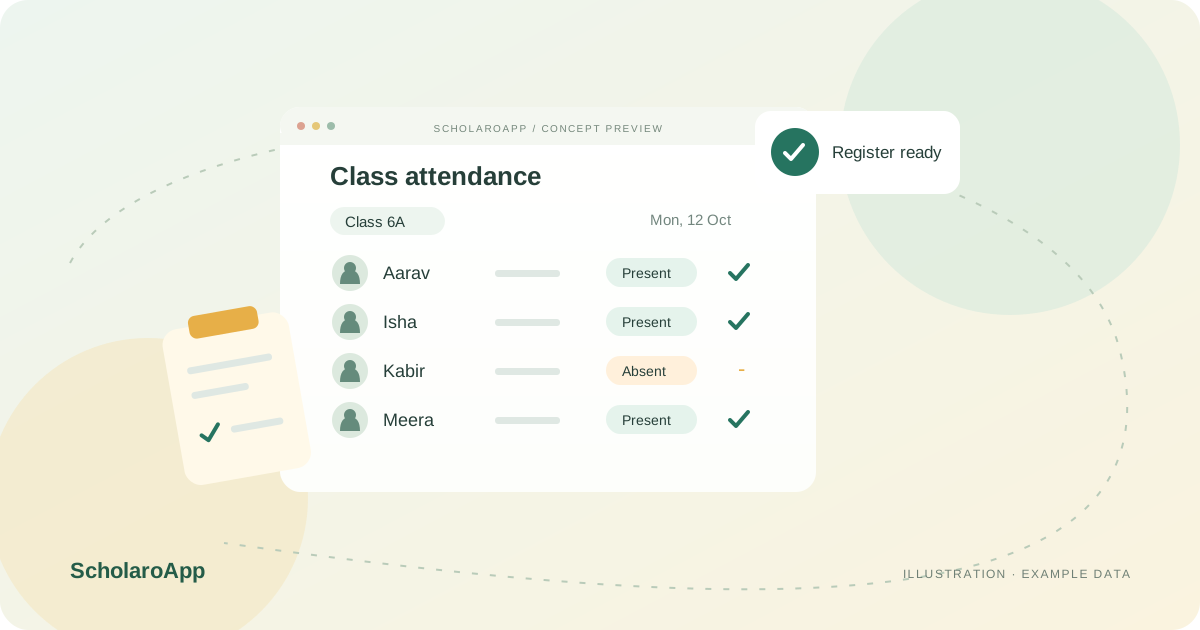
Select the batch and session to see the current student list. Keep enrolments up to date so the register reflects who should actually be present.
Record present and absent students in bulk and review date-based history for any student. Agree how late arrivals and make-up classes are treated in your institute.
Use absence history to identify students needing follow-up and keep parents informed through your communication routine. Export records when management or parents ask for them.
This page describes batch attendance recording and history. It does not claim biometric, RFID or GPS integrations, automated parent SMS on absence, or attendance-linked fee rules. Confirm notification options and plan availability during your demo.
Feature availability depends on the product, configured package and current interface. Confirm the screens, setup and permissions your team will use in a guided demo. A feature described here is not a promise that it is bundled into every plan.
Bulk marking per batch is the described workflow. Ask to see it with a sample batch during the demo.
Pair attendance with your configured communication channels. Verify which notifications are available in your plan rather than assuming automatic alerts.
Students enrolled in several batches are recorded per batch. Review a multi-batch student's history during your evaluation.
Managing a school rather than a coaching institute? Explore School attendance software for that product's workflow.
Share your institution size and the workflow you want to review. No student or parent records are needed to request a demo.