01
Assign fees by course or batch
Set fee amounts for courses and assign them to enrolled students, including instalment arrangements your institute offers. Review discounts against an agreed policy before applying them.
Know what each student owes, what has been received and which receipt covers which payment — across courses and batches. Clear fee records protect the institute's cash flow and make renewal conversations with parents straightforward.
For coaching owners, accountants and front-desk staff who collect and reconcile fees.
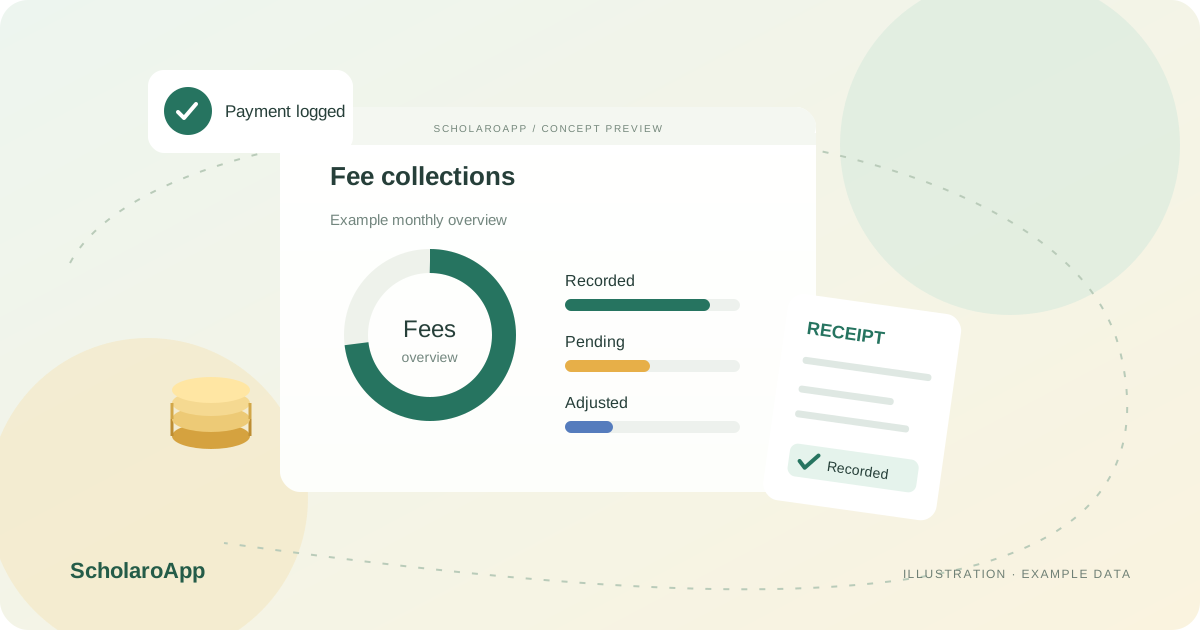
Set fee amounts for courses and assign them to enrolled students, including instalment arrangements your institute offers. Review discounts against an agreed policy before applying them.
Record cash, bank or online payments as they arrive and issue receipts immediately. Keep references consistent with your bank statement for painless reconciliation.
Use pending-dues views to see who owes what and when it was due. Agree a follow-up routine so reminders are timely and consistent rather than ad hoc.
Online collection depends on an institution-owned, configured payment gateway and plan availability. This page does not promise gateway activation, transaction pricing, refunds or tax compliance. Confirm these separately during your demo.
Feature availability depends on the product, configured package and current interface. Confirm the screens, setup and permissions your team will use in a guided demo. A feature described here is not a promise that it is bundled into every plan.
Instalment arrangements are part of the described workflow. Validate your exact schedule patterns with sample records.
Adjustment workflows are supported. Check approval behaviour and how adjustments appear in reports during the demo.
Do not assume the gateway is active for every institute or plan. Verify gateway requirements and availability before promising online collection to parents.
Managing a school rather than a coaching institute? Explore School fee management software for that product's workflow.
Share your institution size and the workflow you want to review. No student or parent records are needed to request a demo.