01
Plan the test
Create the test for the right batch and subjects with maximum and passing marks. A consistent setup keeps comparisons meaningful across weeks.
Run weekly tests and term assessments against the batches you already maintain, enter marks once and review performance per student and per batch. Consistent test records show parents progress and show teachers where a batch needs attention.
For coaching teachers, academic coordinators and owners who run tests and review results.
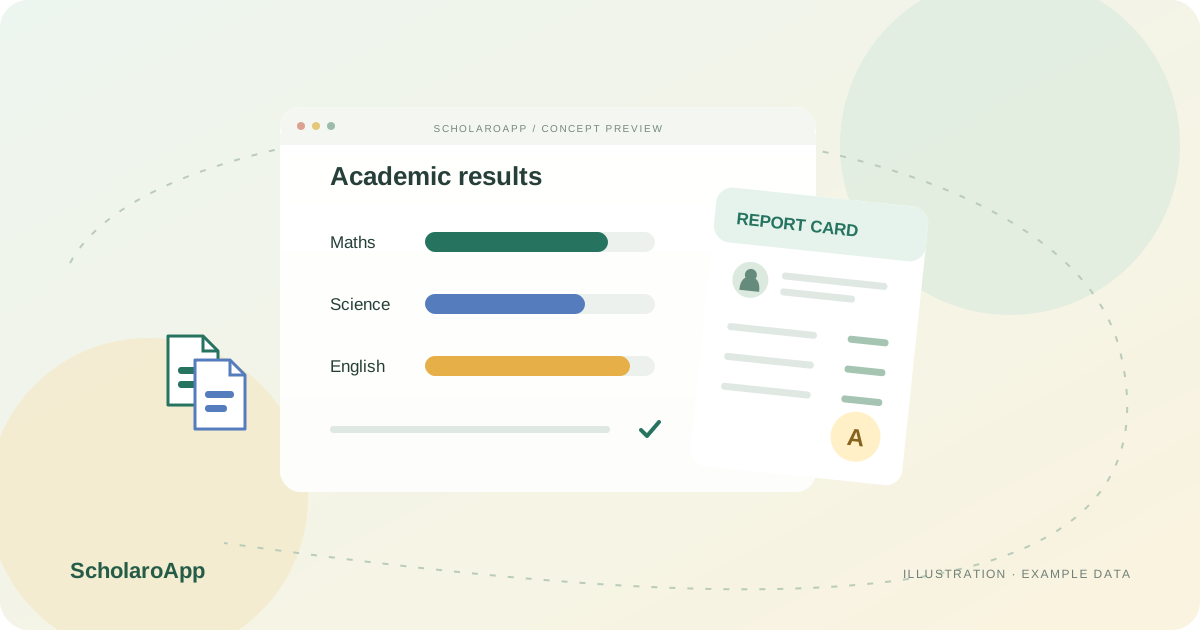
Create the test for the right batch and subjects with maximum and passing marks. A consistent setup keeps comparisons meaningful across weeks.
Use batch-wise marks entry, distinguishing absent students from zero scores. Verify totals with a sample before publishing a full batch.
Review batch grade views and individual report cards, then share results through your configured channels. Track trends across tests to guide revision planning.
This page describes test setup, marks entry and result review for batches. It does not claim online test-taking by students, question banks, OMR scanning or rank predictions. Confirm result-sharing options and plan availability during your demo.
Feature availability depends on the product, configured package and current interface. Confirm the screens, setup and permissions your team will use in a guided demo. A feature described here is not a promise that it is bundled into every plan.
Batch-scoped tests are the described workflow. Ask to see setup and marks entry for one batch end to end.
Result visibility depends on what your institute enables. Confirm the parent-facing view and publication controls during the demo.
A student online test-taking interface is not claimed here. Discuss any online examination requirement separately.
Share your institution size and the workflow you want to review. No student or parent records are needed to request a demo.