01
Map your teaching slots
List batch timings, available rooms and teacher availability before building the schedule. Most clashes come from untracked constraints, not the tool.
Coordinate morning and evening batches, shared classrooms and teachers who move between groups. A reviewable timetable keeps the institute's limited rooms and teaching hours from colliding, especially in peak season.
For coaching owners and coordinators scheduling batches, teachers and classrooms.
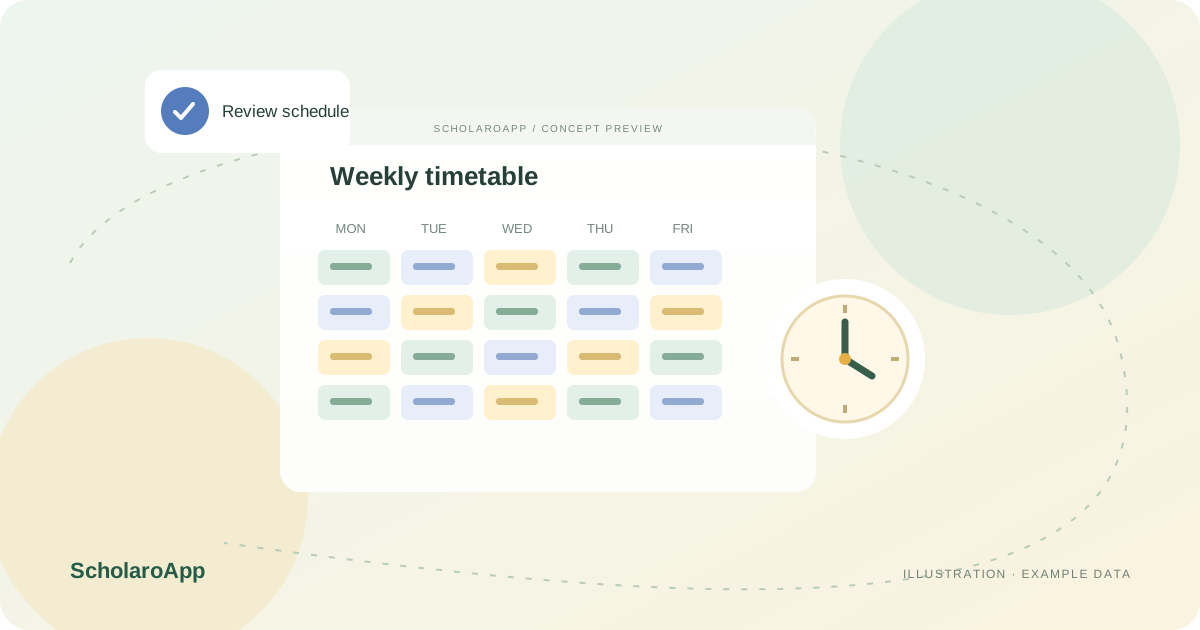
List batch timings, available rooms and teacher availability before building the schedule. Most clashes come from untracked constraints, not the tool.
Arrange batch sessions against teachers and timings, then review the week for overlaps. Check each teacher's personal schedule view for back-to-back conflicts.
Update schedules when batches split, merge or shift timings, and make the current version visible to staff and students. Keep changes deliberate rather than verbal.
This page describes schedule creation and review for batches and teachers. Fully automatic timetable optimisation is not claimed. Confirm the scheduling screens, conflict visibility and student-facing views available in your plan during a demo.
Feature availability depends on the product, configured package and current interface. Confirm the screens, setup and permissions your team will use in a guided demo. A feature described here is not a promise that it is bundled into every plan.
Teachers assigned to several batches are part of the described model. Review their combined schedule view during the demo.
Do not assume automatic optimisation. Review how much is generated versus manually arranged in the current interface.
Student-facing schedule visibility should be confirmed for your plan. Ask to see the student view with a sample batch.
Managing a school rather than a coaching institute? Explore School timetable management for that product's workflow.
Share your institution size and the workflow you want to review. No student or parent records are needed to request a demo.