01
Create classes and sections
Define classes and their sections for the academic session and assign class teachers. A correct structure here keeps registers, timetables and report cards consistent for the rest of the year.
Set up classes, sections and subjects once, then let attendance, timetables, marks entry and fees reuse the same structure. Keep elective groups and class-teacher assignments reviewable so the academic office is not reconstructing the school's structure at the start of every term.
For academic coordinators, principals and office teams who maintain the school's class and subject structure.
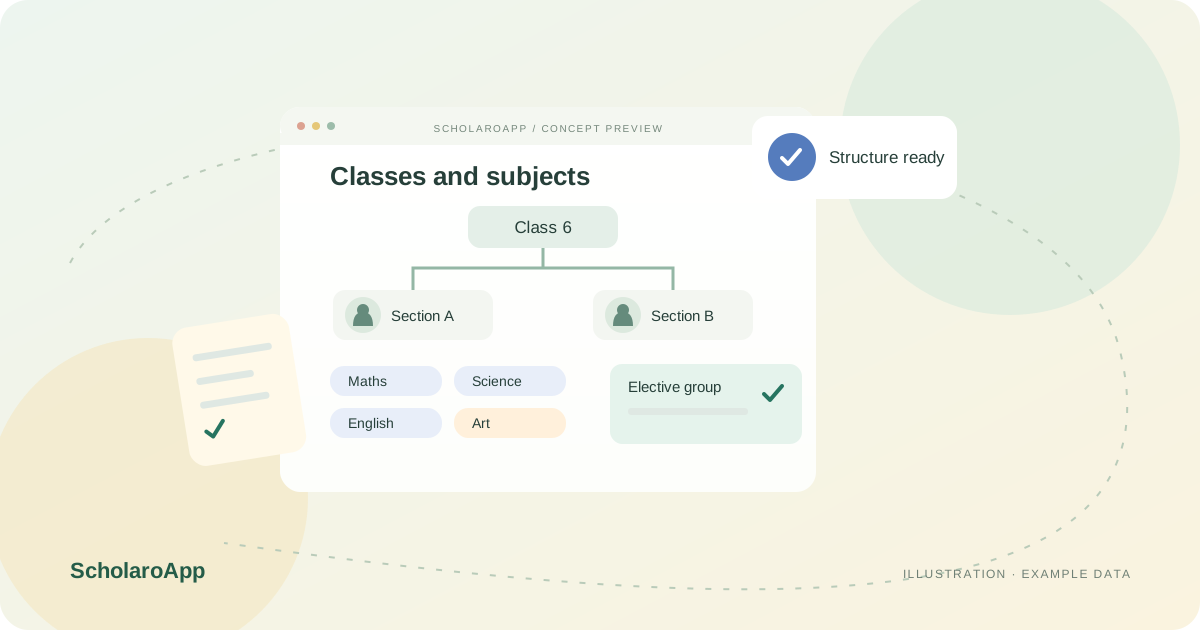
Define classes and their sections for the academic session and assign class teachers. A correct structure here keeps registers, timetables and report cards consistent for the rest of the year.
Map subjects to each class, including maximum and passing marks where assessments need them. Review which teachers take which subjects before timetable planning begins.
Group optional subjects into elective groups and record student choices. Re-check class lists after changes so downstream attendance and marks entry stay accurate.
This page describes academic structure setup, subject mapping and elective groups. It does not promise automatic curriculum content, board-specific subject templates or unlimited structure changes mid-session. Confirm the setup screens and any session constraints in a demo.
Feature availability depends on the product, configured package and current interface. Confirm the screens, setup and permissions your team will use in a guided demo. A feature described here is not a promise that it is bundled into every plan.
Class-teacher assignment is part of the academic setup. Ask to see how the assignment appears to teachers and office staff with a sample section.
Elective groups with recorded student choices are supported. Confirm how choices are captured and how they affect marks entry during the demo.
Review how section changes and subject updates behave once attendance and marks exist. Agree a correction procedure with your office before making live changes.
Share your institution size and the workflow you want to review. No student or parent records are needed to request a demo.