01
Prepare the new session
Create the next academic session with its classes and sections before promotion day. Confirm fee structures and subject mappings for the new year in advance.
Close one academic year and start the next with a repeatable process instead of re-entering every student. Promote classes in bulk, handle exceptions individually and keep prior-session records reviewable for reference.
For principals, administrators and office teams managing the transition between academic years.
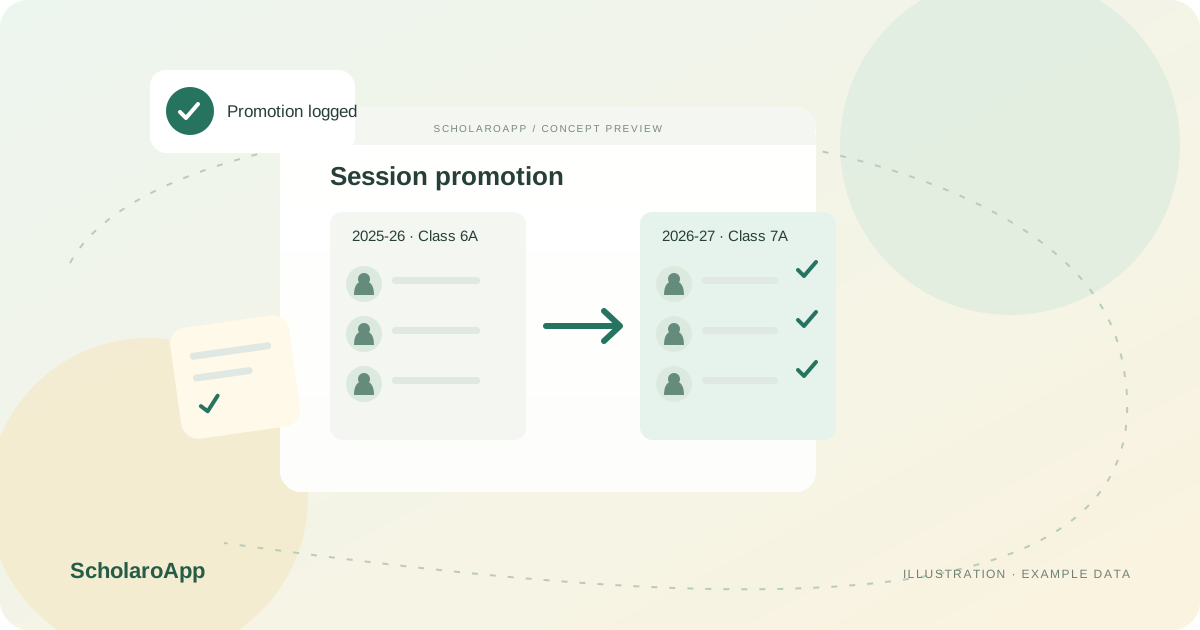
Create the next academic session with its classes and sections before promotion day. Confirm fee structures and subject mappings for the new year in advance.
Move entire classes to their next class and section in one operation, reviewing the student list first. Handle detained, transferred or departing students as explicit exceptions.
Check the new session's class lists against expectations and investigate differences. Keep the previous session's attendance, marks and fee records available for reference.
This page describes session setup, bulk promotion and exception handling. It does not promise automatic result-based promotion decisions, board compliance or migration of arbitrary historical data formats. Confirm the promotion workflow and rollback procedure in a demo before year-end.
Feature availability depends on the product, configured package and current interface. Confirm the screens, setup and permissions your team will use in a guided demo. A feature described here is not a promise that it is bundled into every plan.
Bulk promotion by class is the described workflow. Rehearse it with synthetic data before using it on real records.
Exceptions are handled individually. Confirm the exact steps for detained or transferred students during your demo.
Prior-session records are kept for reference. Verify which views and exports remain available to your office after promotion.
Share your institution size and the workflow you want to review. No student or parent records are needed to request a demo.