01
Submit the leave application
Students, parents or staff record the leave type, dates and reason. A structured application replaces loose notes and verbal requests that are easy to lose.
Let students and staff apply for leave in one place and let the right person approve it with a reviewable record. Keep leave history beside the attendance register so absences explained by approved leave are not chased twice.
For principals, administrators and teachers who review student and staff leave.
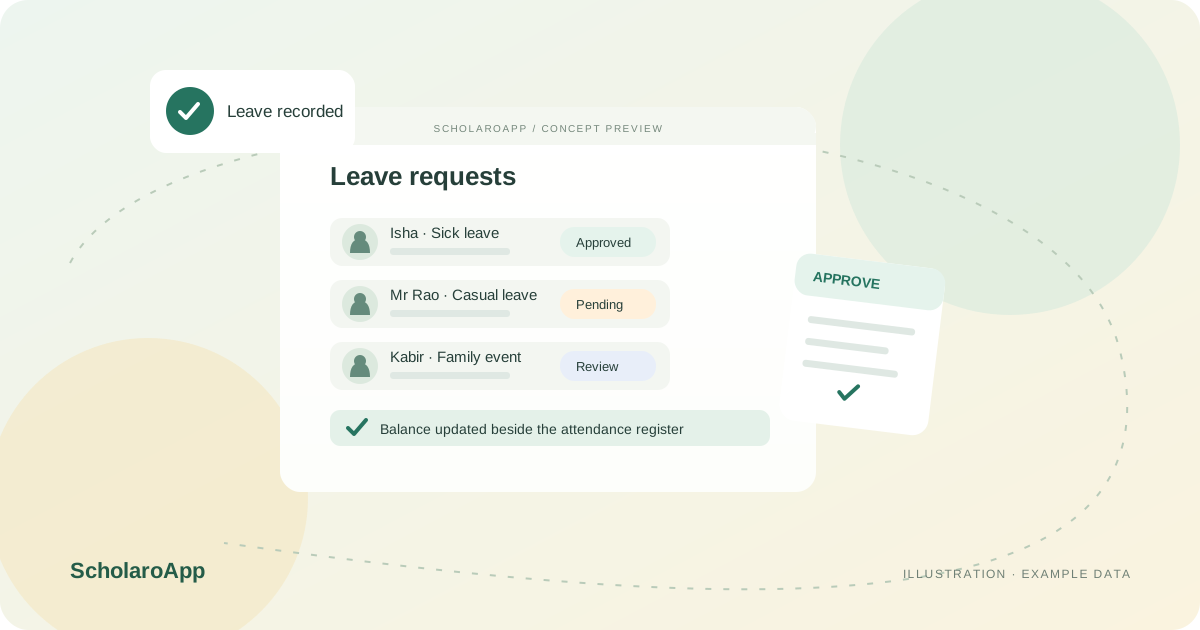
Students, parents or staff record the leave type, dates and reason. A structured application replaces loose notes and verbal requests that are easy to lose.
Approvers see pending applications with the details needed to decide. Agree who approves which roles and how urgent same-day requests are handled in your school.
Approved leave appears alongside attendance history, and staff balances can be reviewed when new requests arrive. Check the record your office needs at the end of term.
This page describes leave applications, approvals and history. It does not promise payroll integration, statutory leave-policy compliance or automatic accrual rules for every policy. Confirm leave types, approval routing and reports available in your plan during a demo.
Feature availability depends on the product, configured package and current interface. Confirm the screens, setup and permissions your team will use in a guided demo. A feature described here is not a promise that it is bundled into every plan.
Student and staff leave workflows are described on the features overview. Ask to see both application views and how approvers are notified.
Leave history is designed to sit beside attendance records. Confirm the exact views your class teachers and office will use.
Payroll calculation is not claimed on this page. Discuss any payroll or deduction requirement separately before selecting a plan.
Share your institution size and the workflow you want to review. No student or parent records are needed to request a demo.