01
Maintain the staff record
Create profiles for teaching and non-teaching staff with their roles and contact details. Decide which office roles may view or edit staff information.
Keep staff profiles, subject responsibilities and schedules in the same system as the classes they teach. When a teacher's assignments, timetable and leave live together, coordinators answer staffing questions without checking three registers.
For principals, administrators and coordinators who manage teaching and non-teaching staff.
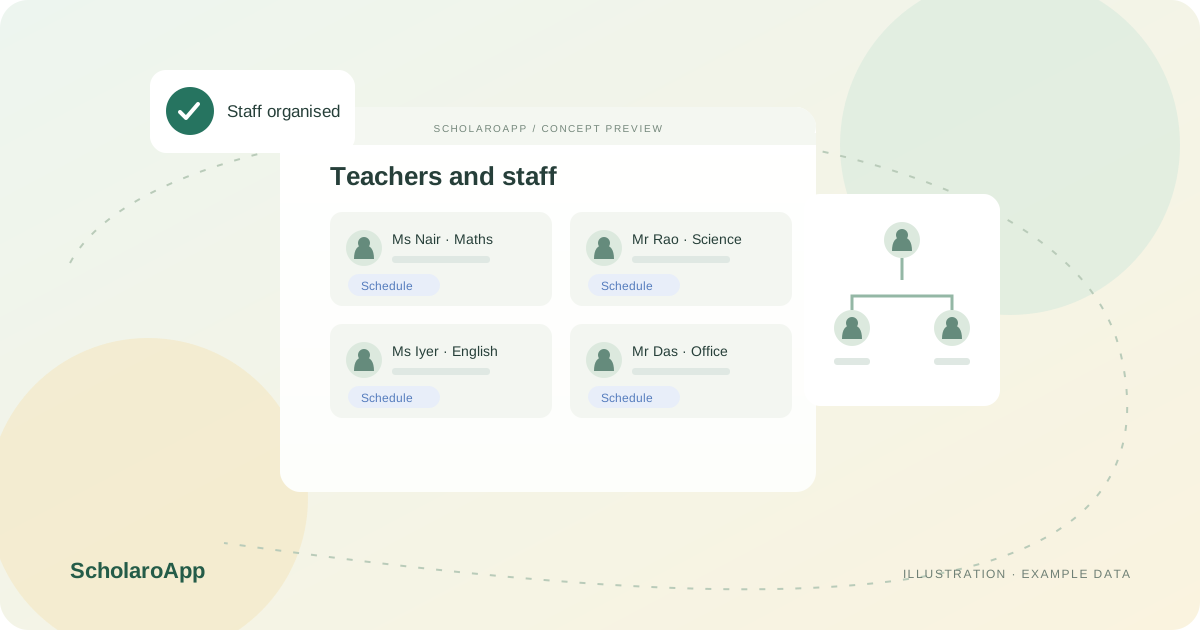
Create profiles for teaching and non-teaching staff with their roles and contact details. Decide which office roles may view or edit staff information.
Map teachers to the subjects and sections they teach so timetables, marks entry and homework show the right names. Review workloads before the term begins.
Check teacher timetables and leave records together when arranging substitutions. Keep an organisation view so reporting lines stay clear as staff join or leave.
This page describes staff records, assignments, schedules and leave review. It does not promise payroll processing, biometric attendance devices, recruitment workflows or statutory HR compliance. Confirm the staff screens and permissions in your configured plan during a demo.
Feature availability depends on the product, configured package and current interface. Confirm the screens, setup and permissions your team will use in a guided demo. A feature described here is not a promise that it is bundled into every plan.
Teacher-facing schedule views are part of the described experience. Ask to see the teacher view beside the admin timetable.
Teacher-subject and class assignments are supported. Validate your allocation process with a sample teacher during the demo.
Payroll processing is not claimed on this page. Discuss salary or payroll requirements separately before selecting a plan.
Share your institution size and the workflow you want to review. No student or parent records are needed to request a demo.