01
Keep source records current
Dashboards summarise attendance, fees and marks that staff record day to day. Agree entry deadlines so month-end summaries reflect reality.
See attendance levels, fee collections and academic progress as summaries built from the records your staff already maintain. Monthly reports and exports give owners and principals a routine way to review the school without requesting manual tallies.
For school owners, principals and administrators who review performance and prepare monthly summaries.
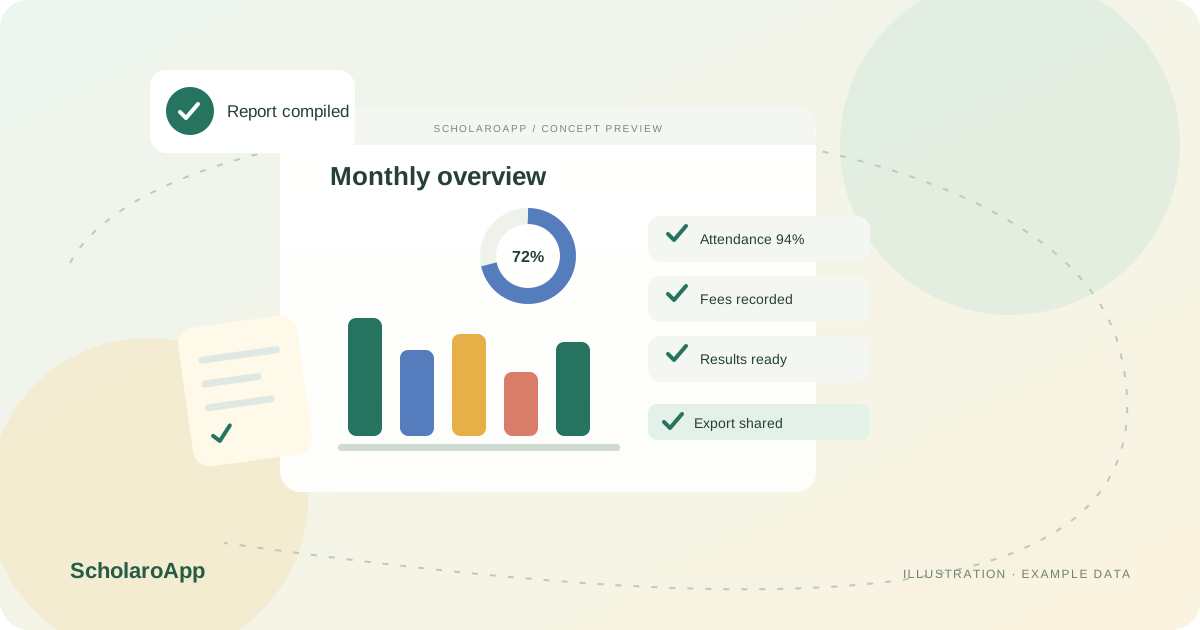
Dashboards summarise attendance, fees and marks that staff record day to day. Agree entry deadlines so month-end summaries reflect reality.
Check collection summaries, attendance overviews and pending items from management views. Use class and fee-type breakdowns to find where follow-up is needed.
Export monthly reports for management meetings or trustees. Compare the export columns with the report your school currently prepares by hand.
This page describes dashboards and report exports built from recorded data. It does not promise custom report builders for arbitrary layouts, predictive analytics or board-mandated report formats. Confirm the available reports, export fields and role access in a demo.
Feature availability depends on the product, configured package and current interface. Confirm the screens, setup and permissions your team will use in a guided demo. A feature described here is not a promise that it is bundled into every plan.
Attendance, fee and academic summaries are described across the feature overview. Review the exact dashboards in your configured plan.
Exports are part of the described workflow. Check formats and columns against the reports your school already prepares.
An arbitrary custom report builder is not claimed here. Bring your required formats to the demo and verify each one.
Share your institution size and the workflow you want to review. No student or parent records are needed to request a demo.