01
Plan the event
Create the event with its date, time and description, and decide who should see it. Review the term calendar so new events do not clash with exams or holidays.
Keep sports day, parent meetings, exams and holidays on one school calendar instead of separate circulars. When the calendar lives beside attendance and timetables, families and staff check one place for what is happening and when.
For school administrators and coordinators who plan events, holidays and school activities.
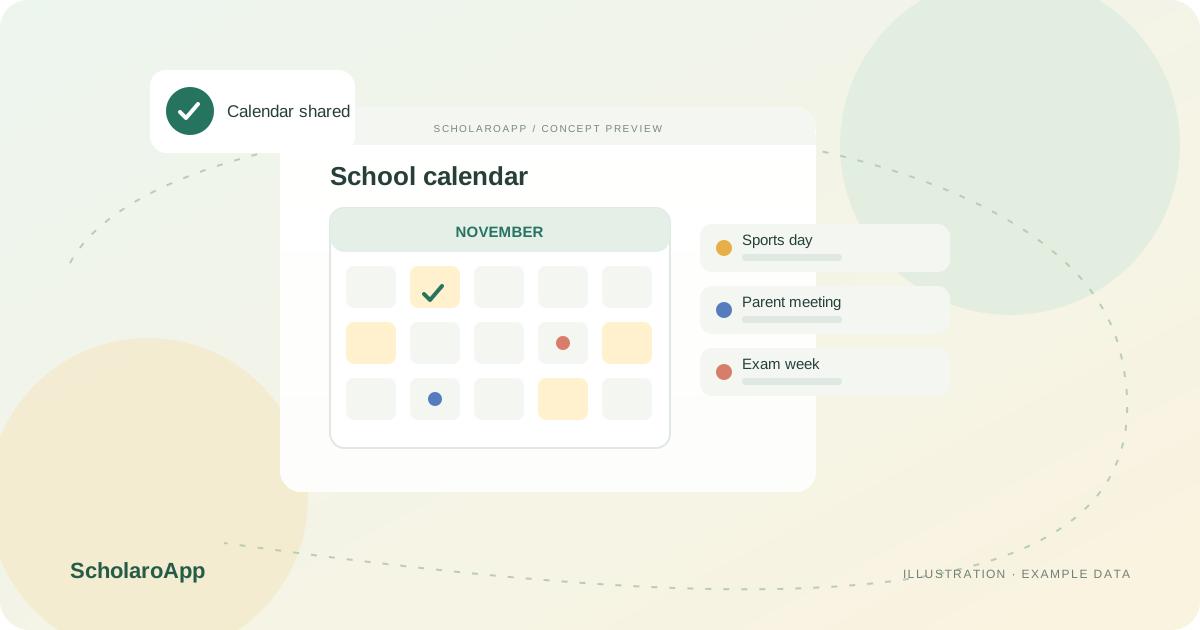
Create the event with its date, time and description, and decide who should see it. Review the term calendar so new events do not clash with exams or holidays.
Share events with the whole school or specific groups. Pair the calendar entry with a notification when families need to act, such as consent or attendance confirmation.
Update postponed or rescheduled events in one place so every viewer sees the same information. Keep the past calendar as a record of what the school ran during the session.
This page describes a school events calendar and its visibility. It does not promise RSVP collection, ticketing, volunteer management or synchronisation with external calendar services. Confirm the calendar screens, audience controls and notification pairing in a demo.
Feature availability depends on the product, configured package and current interface. Confirm the screens, setup and permissions your team will use in a guided demo. A feature described here is not a promise that it is bundled into every plan.
Parent-facing visibility is part of the described experience. Confirm exactly which events parents see for their child's class during the demo.
Audience selection for events should be validated against your structure. Ask to publish a sample event to a single class group.
External calendar synchronisation is not claimed here. Discuss any integration requirement separately before selecting a plan.
Share your institution size and the workflow you want to review. No student or parent records are needed to request a demo.