01
Choose the audience
Select whole-school, class-level or role-based recipients using the structure you already maintain. Confirm the student and guardian contact data is current before large sends.
Publish announcements and targeted notifications from the same system that holds your classes and student lists, so a message to Class 6A parents reaches exactly that group. Keep a record of what the school sent and when, instead of relying on forwarded chat messages.
For school administrators and office teams who send announcements, reminders and alerts to staff and families.
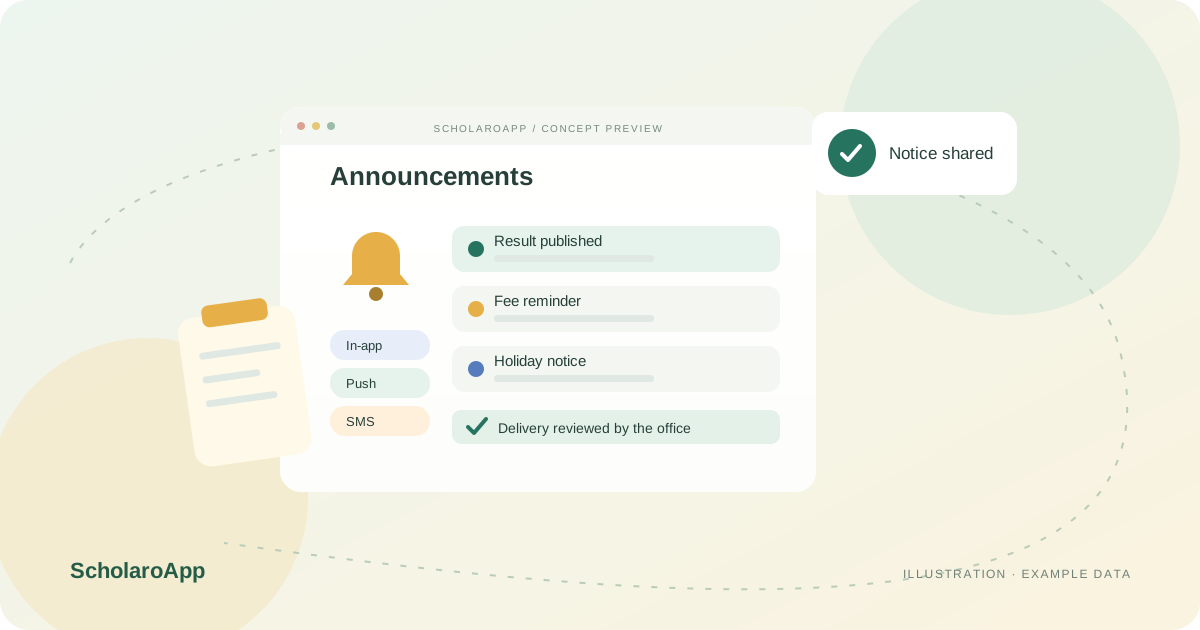
Select whole-school, class-level or role-based recipients using the structure you already maintain. Confirm the student and guardian contact data is current before large sends.
Use message templates for routine notices such as fee reminders or holiday announcements so wording stays consistent. Agree who in the office is allowed to send which type of message.
Send in-app notifications and review the history of what went out. Where SMS credits are configured, track usage against your wallet balance rather than discovering it mid-campaign.
This page describes in-app announcements, templates and message history. SMS or WhatsApp delivery depends on configured credits, sender registration and regulatory requirements in your country, none of which are promised here. Confirm channels, costs and delivery reporting in a demo.
Feature availability depends on the product, configured package and current interface. Confirm the screens, setup and permissions your team will use in a guided demo. A feature described here is not a promise that it is bundled into every plan.
Audience selection by class and role is part of the described workflow. Ask to see a targeted send with a sample group.
Do not assume SMS is bundled. Messaging credits and wallets are configured per institution; verify pricing and availability for your plan.
Message history is reviewable. Confirm how long history is retained and who can view it in your configured setup.
Share your institution size and the workflow you want to review. No student or parent records are needed to request a demo.