01
Connect the family
Link each guardian to their children so one login covers the whole family. Verify contact details during admission so access reaches the right person.
Parents get one login that shows attendance, homework, results, fee status and school notices for their children — with instant switching between siblings. A clear parent experience reduces front-office calls because routine questions answer themselves.
For school leaders evaluating what parents and students will actually see and use every day.
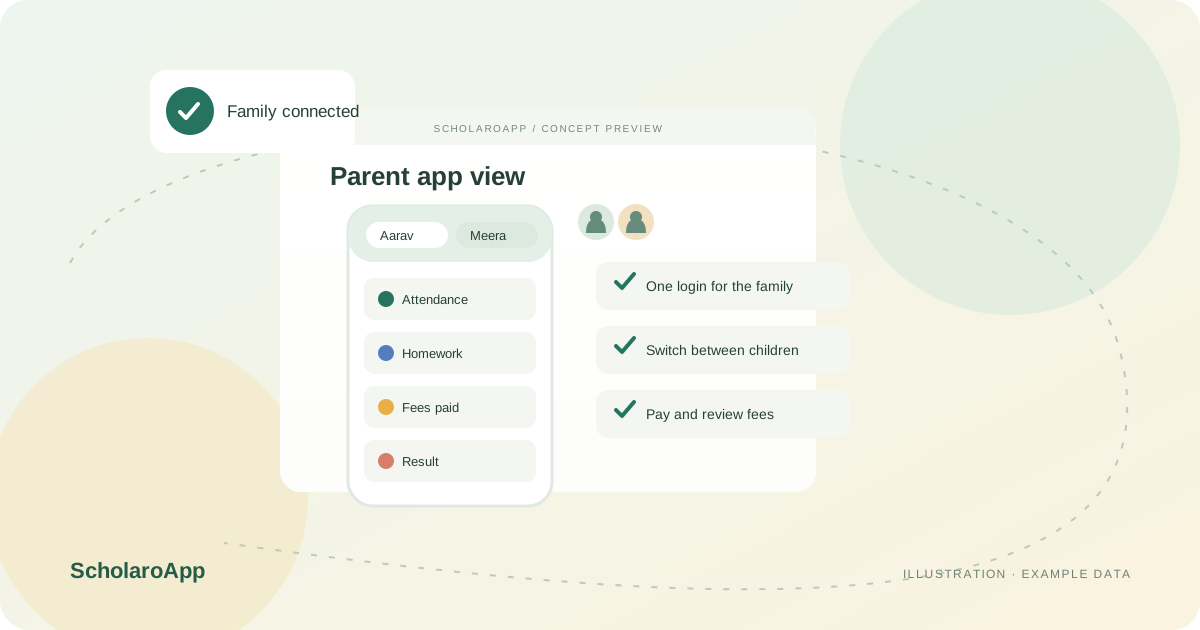
Link each guardian to their children so one login covers the whole family. Verify contact details during admission so access reaches the right person.
Parents check attendance, homework and notices for the selected child and switch children with one tap. Students see their own assignments and results where enabled.
Where configured, parents review fee status, download receipts and apply for leave from the same place. Confirm which actions your school wants to enable.
This page describes the parent and student experience, including multi-child switching. Online fee payment depends on an institution-configured gateway, and visible modules depend on what your school enables. App store availability and device requirements should be confirmed in a demo.
Feature availability depends on the product, configured package and current interface. Confirm the screens, setup and permissions your team will use in a guided demo. A feature described here is not a promise that it is bundled into every plan.
Multi-child switching under a single login is the described experience. Test it with a demo family during your evaluation.
Online payment requires the institution's configured gateway and plan availability. Verify the payment flow and receipts before promising it to families.
Parent access is limited to their own children. Confirm this behaviour with a test account during the demo.
Share your institution size and the workflow you want to review. No student or parent records are needed to request a demo.