Student information system

A student information system that keeps every record in one place

Keep student profiles, guardian details, admission records and school-specific fields connected to the classes and sections students actually belong to. Give office staff one place to search, update and review student information instead of maintaining parallel spreadsheets for every department.

For school office teams, administrators and principals maintaining student records.

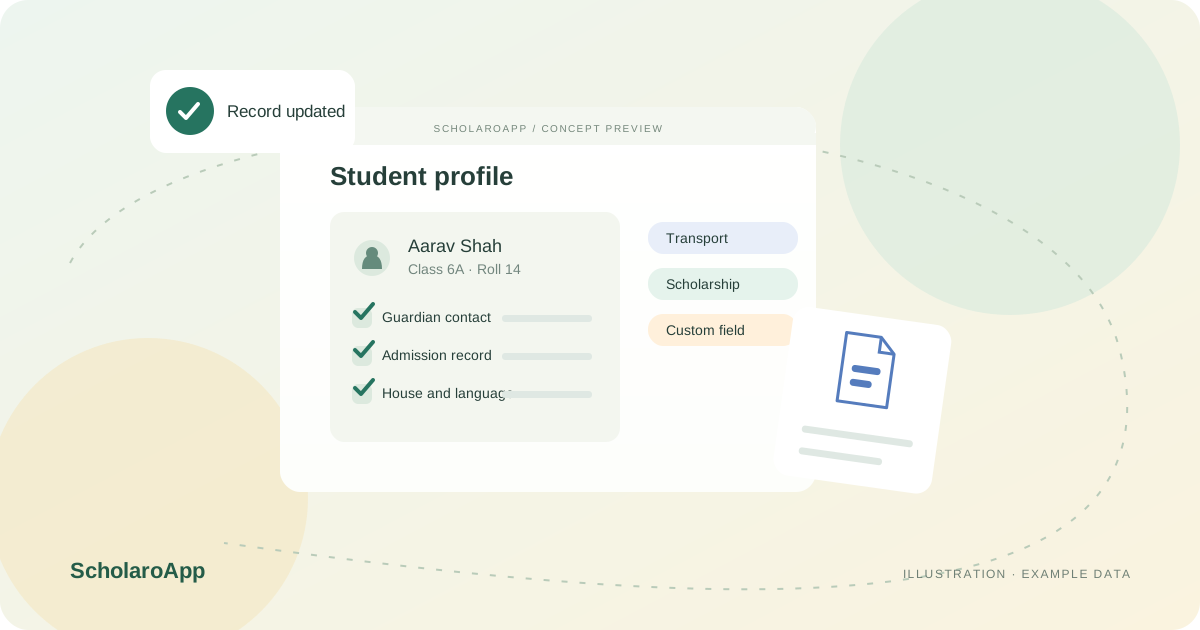
Concept illustration of a student profile card with guardian details, verification checklist, custom field chips and an updated-record badge.
Illustrative workflow using example labels, not a product screenshot or a promise of a particular screen layout.

From setup to a reviewable record

01

Set up the student profile

Record admission details, guardian contacts and class placement for each student. Use bulk import templates when moving existing records from spreadsheets, and agree who checks the imported data before it is treated as the master record.

02

Adapt records with custom fields

Add school-specific fields such as house, second language or transport requirement so the profile matches the information your school actually collects. Review which staff roles are allowed to edit each part of the record.

03

Search, update and review

Use search and class-based lists to find records quickly, and review profile changes as students join, move sections or leave. Keep the record connected to attendance, fees and results rather than duplicating details elsewhere.

What to check in your demo

  • Import a small synthetic student list and check the validation output.
  • Add a custom field and confirm where it appears on the profile and in exports.
  • Review which roles can view or edit guardian and admission details.

Availability and setup requirements

This page describes student records, bulk import and custom fields. It does not promise government-portal integrations, automated document verification or unlimited storage. Confirm field limits, import formats and role permissions in your configured plan during a demo.

Feature availability depends on the product, configured package and current interface. Confirm the screens, setup and permissions your team will use in a guided demo. A feature described here is not a promise that it is bundled into every plan.

Read the school software selection guide

Frequently asked questions

Can we import our existing student list?

Bulk student import with templates is supported. Review the required columns and test the workflow with synthetic records before migrating real student data.

Can the school add its own fields?

Custom fields let you capture school-specific information on student records. Confirm available field types and where the values appear in lists and exports during the demo.

Who can edit student records?

Access depends on the roles and permissions configured for your institution. Ask to review the exact roles your office will use before rollout.

Explore connected workflows

See how this fits your school

Share your institution size and the workflow you want to review. No student or parent records are needed to request a demo.