01
Map roles to responsibilities
List who in your school needs which records, then review the available roles against that list. Resist granting broad admin access for convenience.
Give every user exactly the access their role needs — teachers see their classes, accountants see fees, parents see their own children. Pair permissions with an activity log so important changes such as marks edits or fee adjustments remain reviewable later.
For school owners, principals and administrators responsible for data access and accountability.
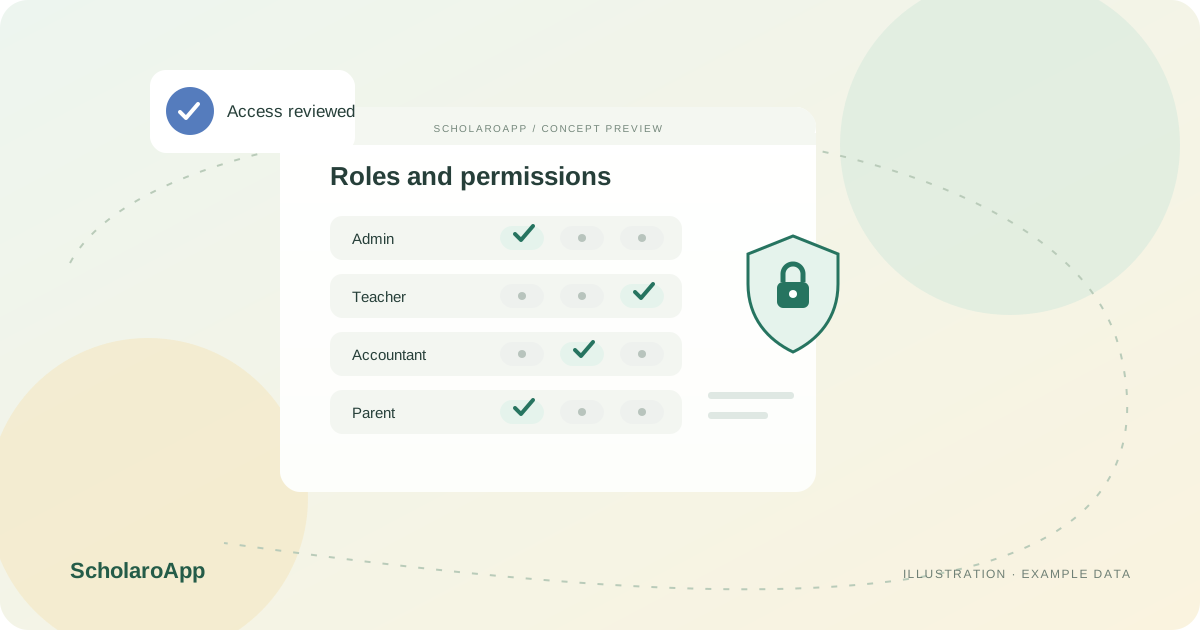
List who in your school needs which records, then review the available roles against that list. Resist granting broad admin access for convenience.
Assign roles and verify with a test account that each user sees only what they should. Check sensitive areas such as fees, marks and guardian contacts first.
Use the activity log to review who changed what and when for important records. Agree which events your leadership checks and how often.
This page describes role-based access and activity logging. It does not promise custom role builders for every permission combination, legal-grade audit certification or external SIEM integrations. Confirm available roles, log retention and export options in a demo.
Feature availability depends on the product, configured package and current interface. Confirm the screens, setup and permissions your team will use in a guided demo. A feature described here is not a promise that it is bundled into every plan.
The described model limits parents to their own children. Verify this with a test parent account during your demo.
Review the logged events against the actions your school considers sensitive. Confirm retention and who may view the log.
Do not assume unlimited custom roles. Review the available roles and permission granularity against your requirement before rollout.
Share your institution size and the workflow you want to review. No student or parent records are needed to request a demo.